
History-based 3D design you can always revise.
Build solids from sketches while Morpha keeps the history of every operation. Change a dimension or the order of steps later, and the shape is rebuilt. Use parts, assemblies and drawings for business, and operate Morpha from AI apps too.
For Windows (64-bit). See System requirements for details.
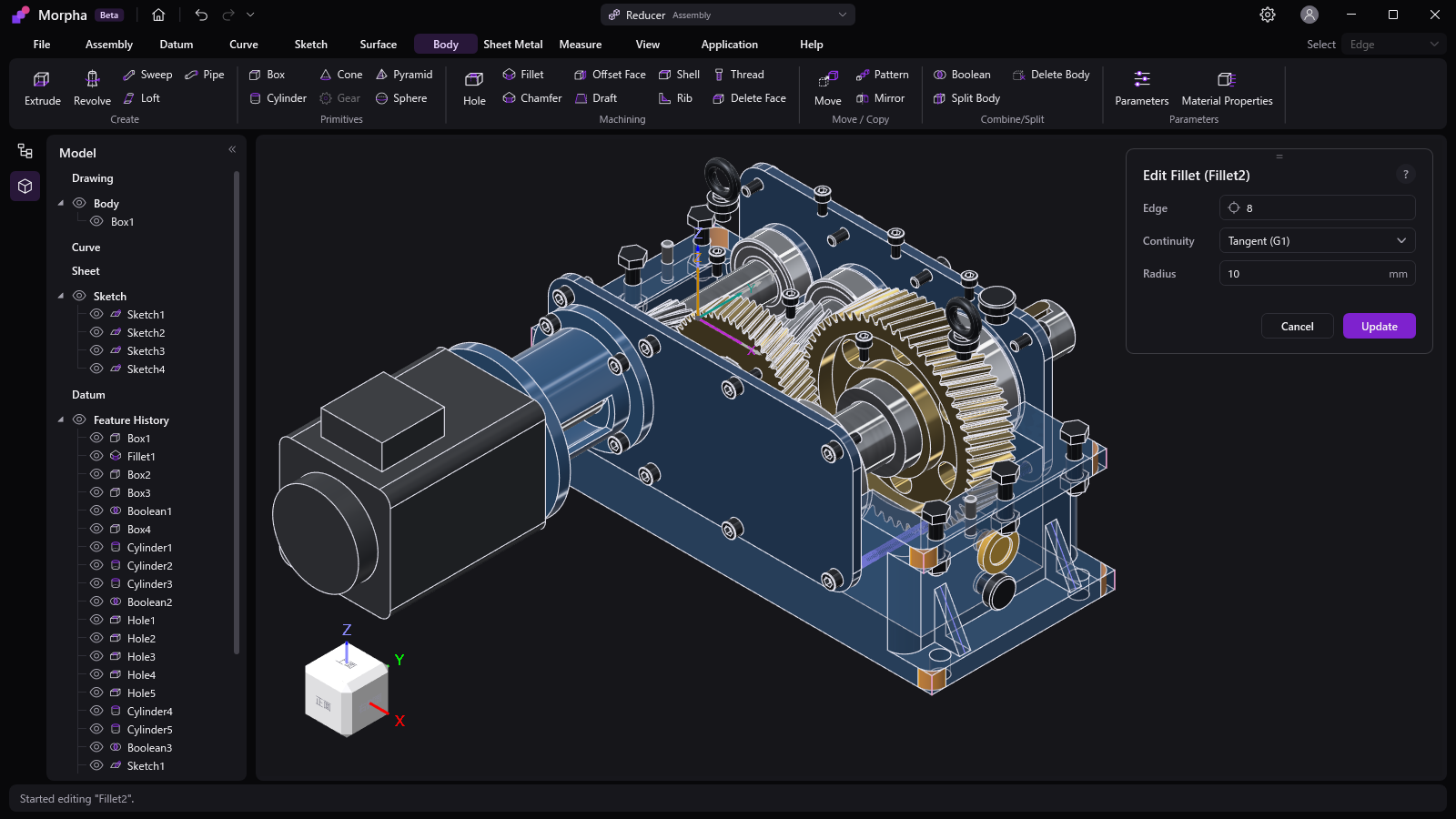
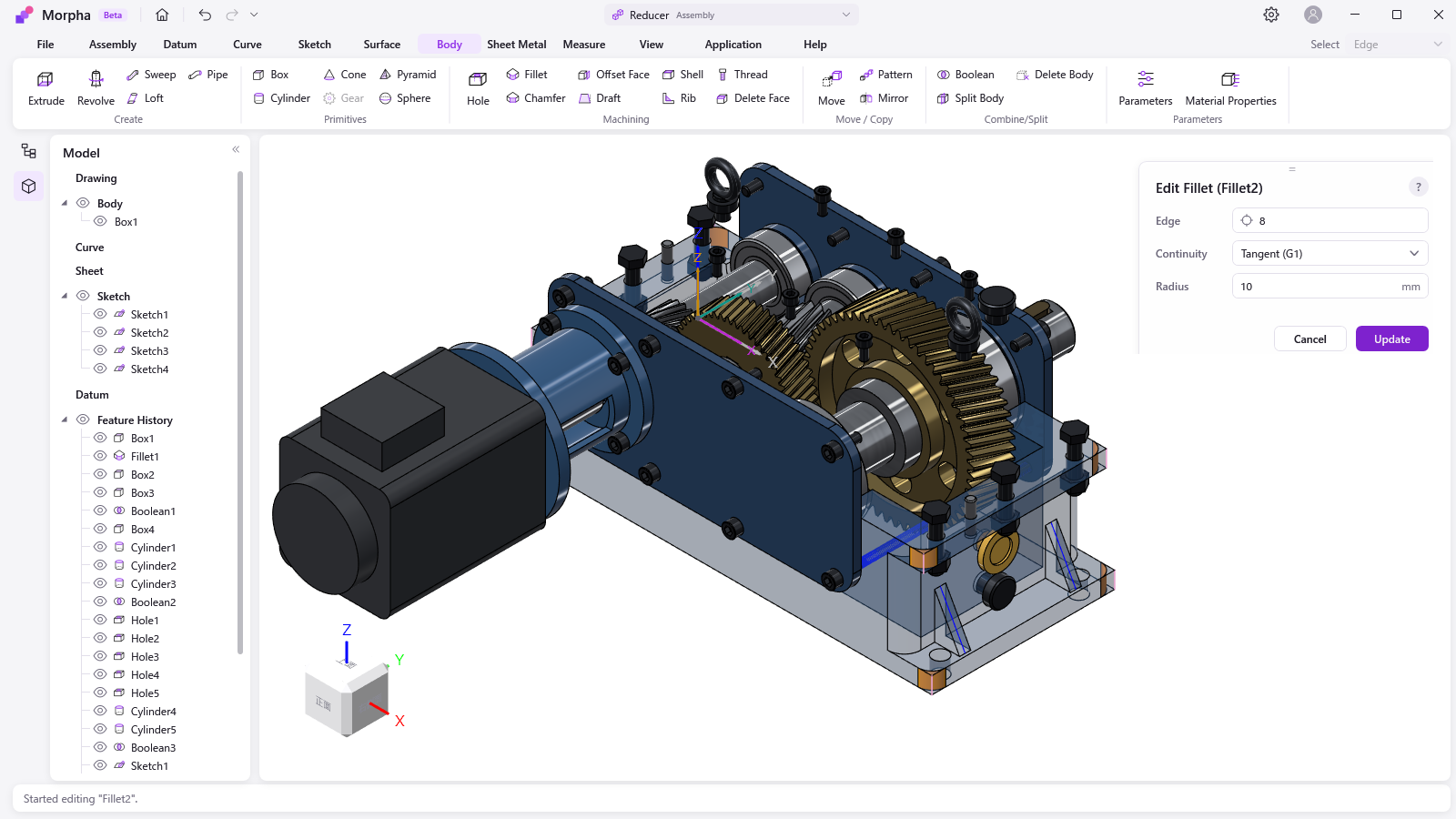
It may differ at release.
The core features you need for design.
Sketches and constraints
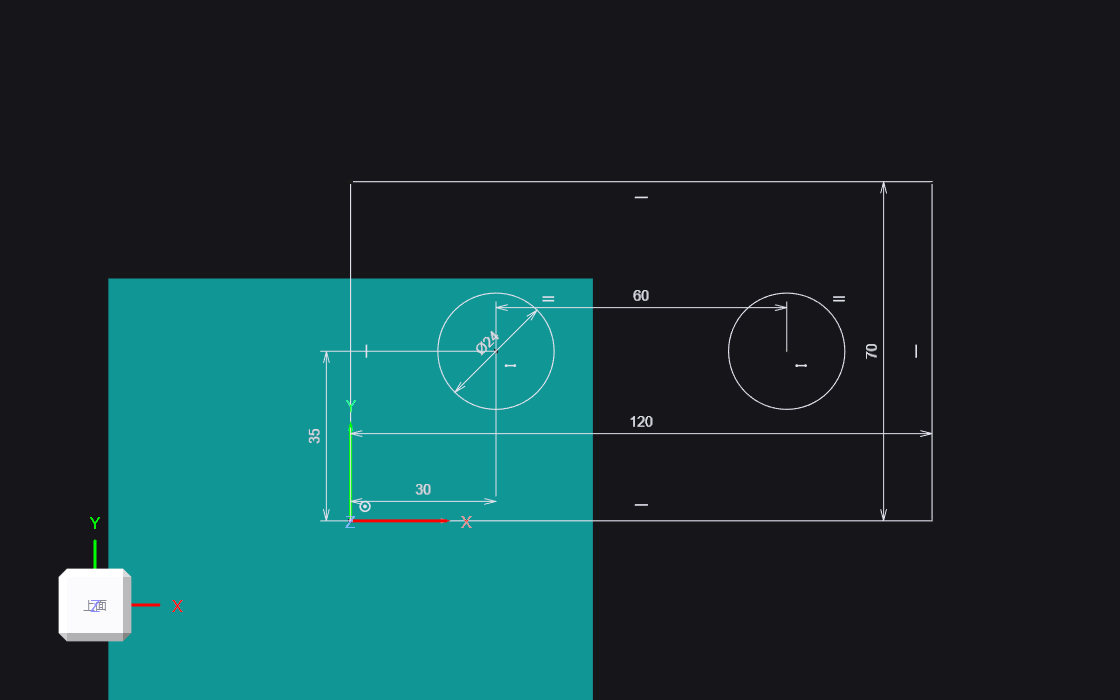
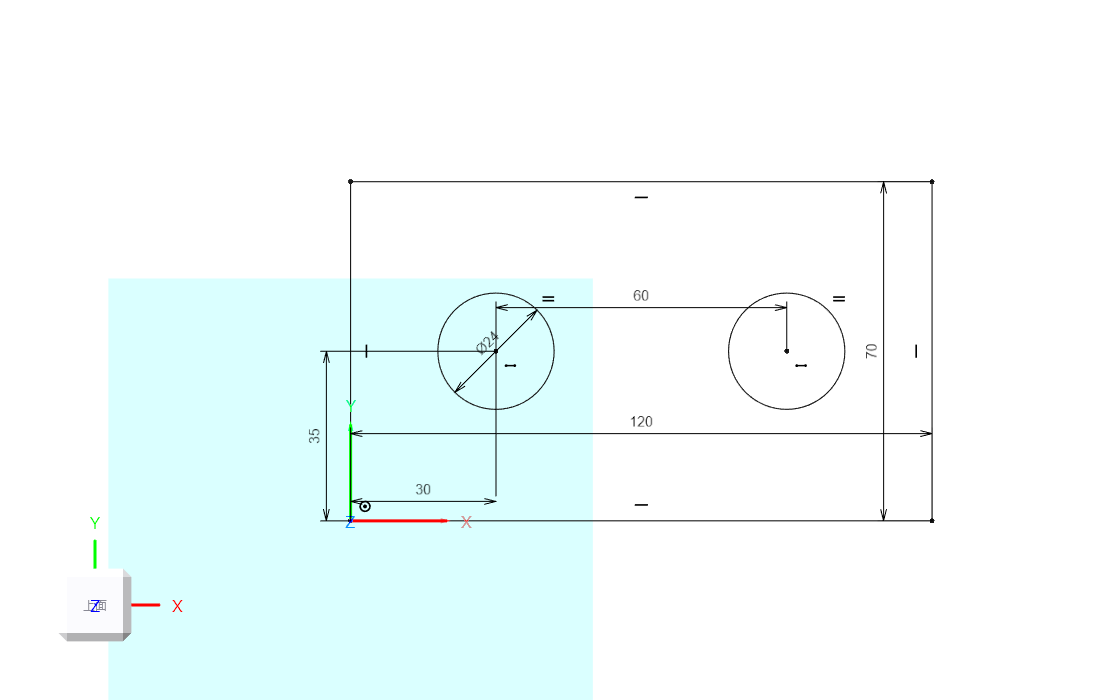
Draw lines, arcs and splines, and define the shape with constraints such as horizontal, vertical and coincident, plus dimensions. Change a dimension and the shape follows while keeping its connections.
Modeling
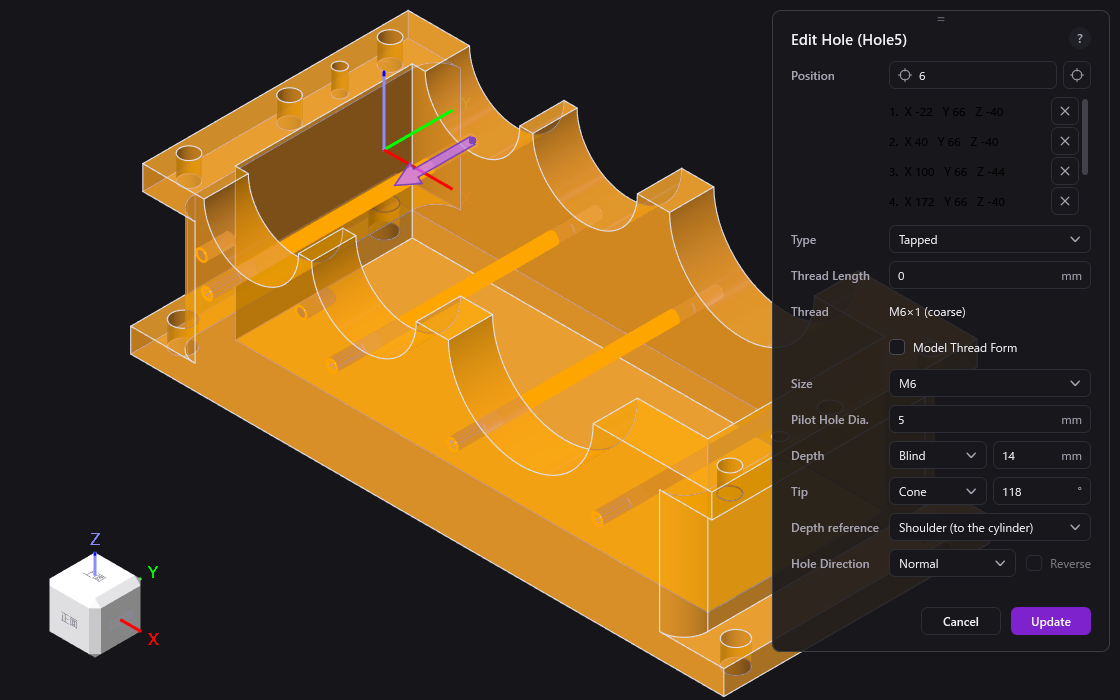
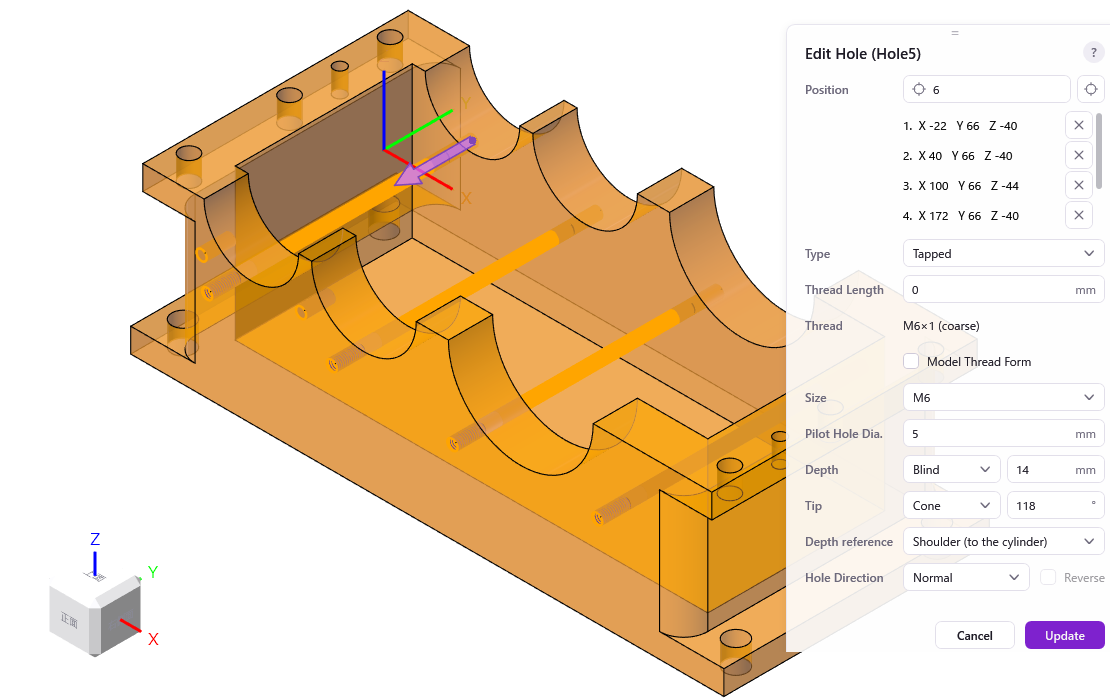
Extrude, revolve, sweep and loft; fillets and chamfers; holes and threads (with real M2 to M24 threads); shells and ribs; body patterns and mirrors; Booleans. Sheet metal (flanges and bends to flat patterns) and surfaces (lofts, rail sweeps, trim and join) are included. Link dimensions with named parameters and equations.
Assemblies
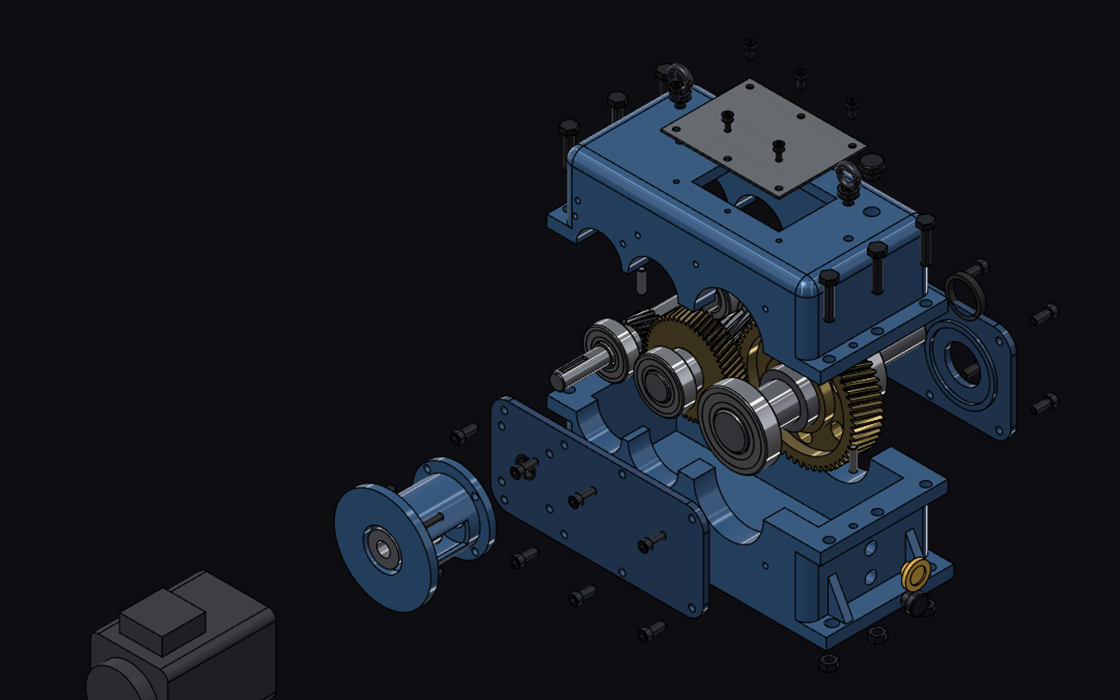
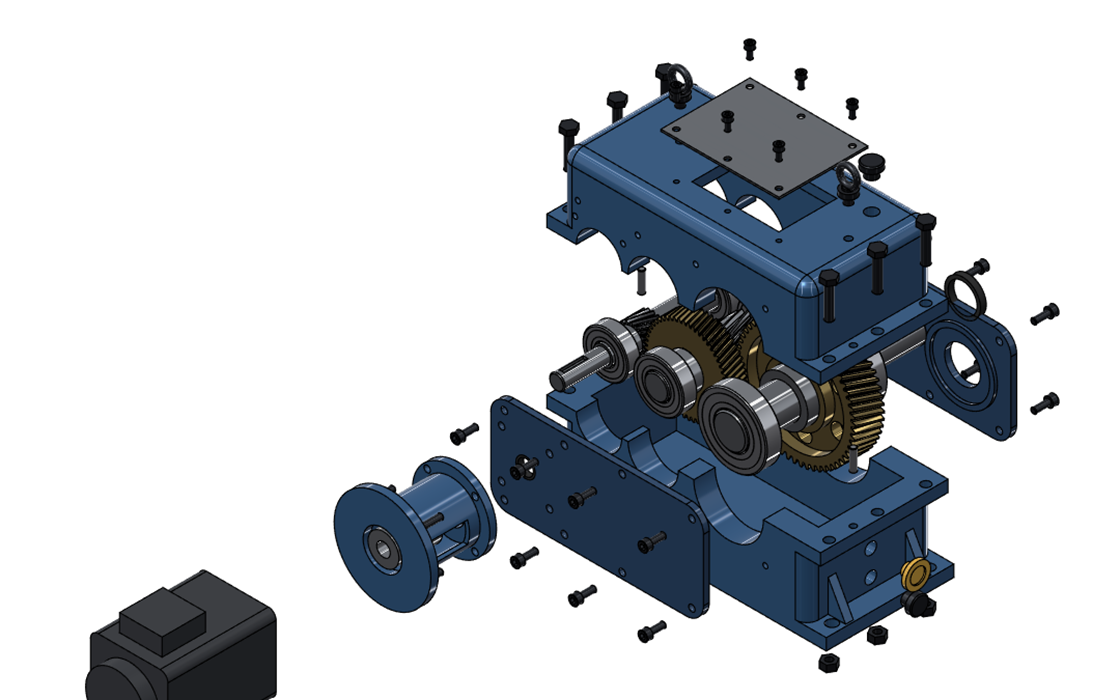
Put parts together and position them with mate, flush, concentric and fixed constraints. Design top-down with skeleton sketches and datums.
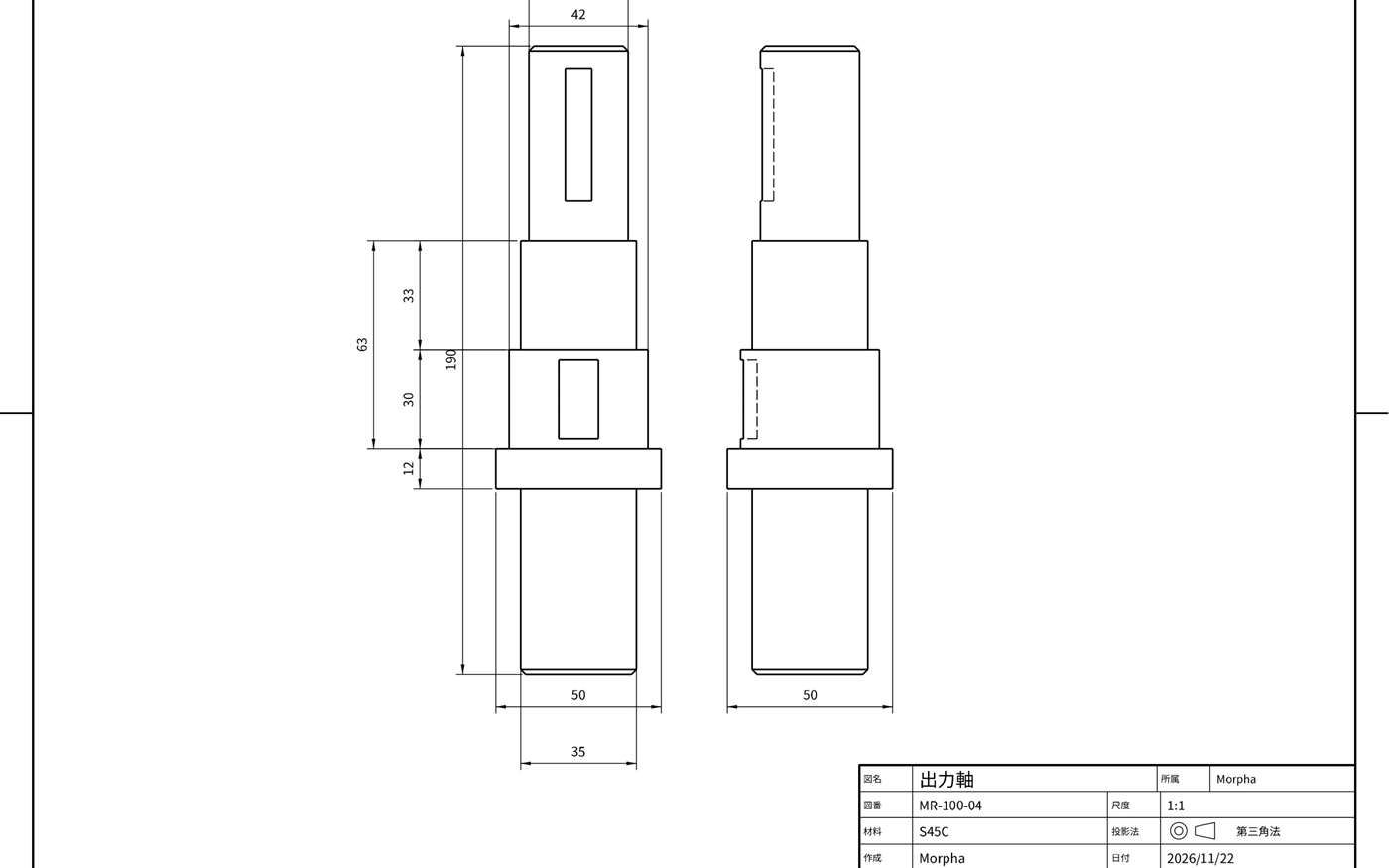
Drawings
Projected views, sections, detail views, dimensions and notes, with line types, scales and sheets following JIS B 0001. Export to PDF and DXF. Drawings follow model changes.
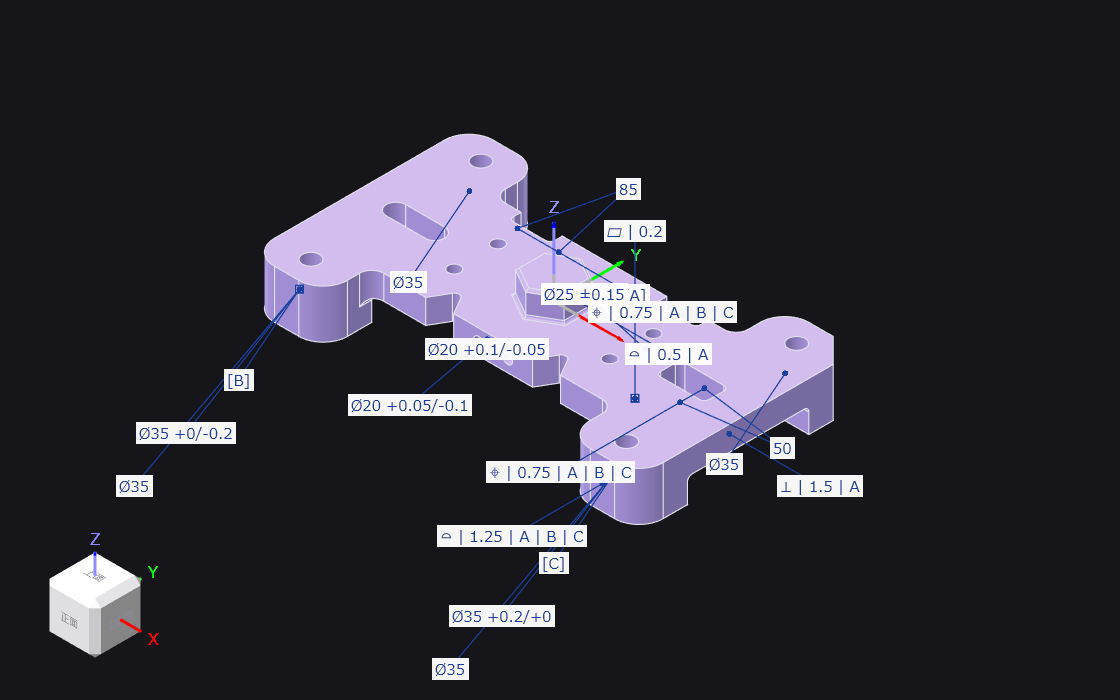
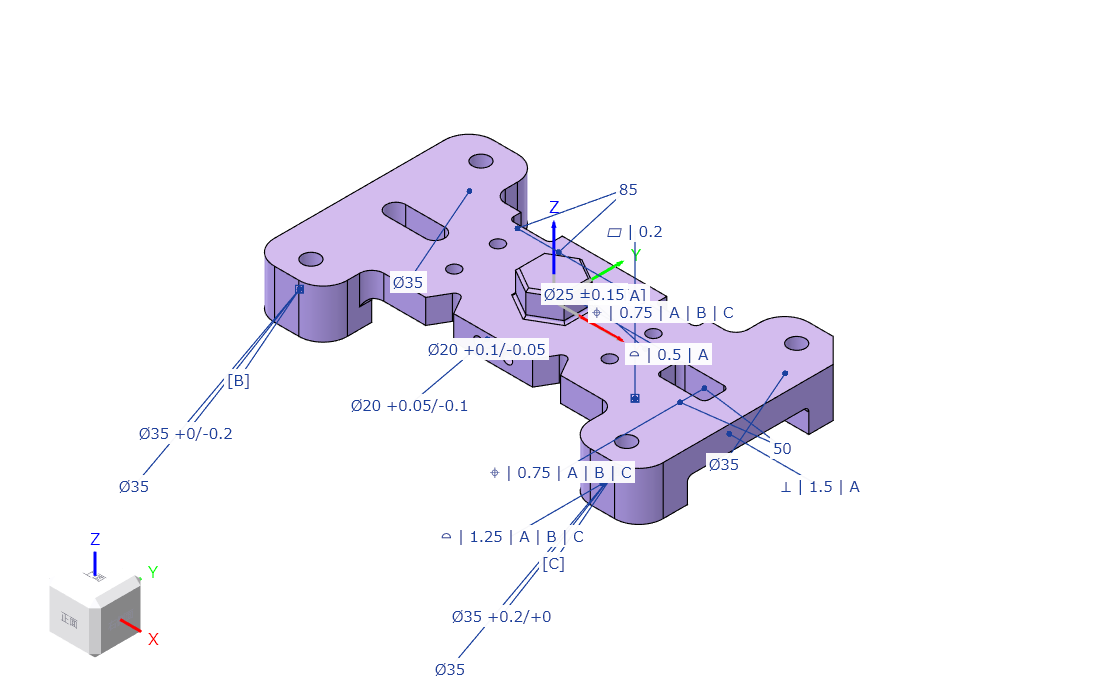
File support
Import and export STEP (AP214, AP242, AP203, including colors, part numbers, materials and PMI), import IGES, and export STL. Drawings export to PDF and DXF, and sheet metal flat patterns to DXF. Morpha saves parts, assemblies and drawings as separate files.
import morpha

m = morpha.connect()
m.document.create_part(name="Plate")
sketch = m.sketch.begin(plane="XY")
rect = m.sketch.add_rectangle(u1=0, v1=0, u2=120, v2=70)
m.sketch.add_dimension(type="Length",
    targets=[{"entity": rect["entities"][0]}], value=100)
m.sketch.end()
m.feature.extrude(sketch=sketch["sketch"], distance=15)
print(m.body.get_mass_properties()["volume"])API
Create, edit, measure, check interference and make drawings from Python and C#. Automate standard parts and repetitive work.
Ask AI to build it,
then check and refine it yourself.
Connect Morpha to an AI app that supports MCP, and the AI carries out what you ask for inside Morpha. What it builds are ordinary features, so you can change the dimensions from the history.
Build and edit
Ask "Put M6 tapped holes in the four corners of the plate" or "Move the hole to 15 mm from the edge", and the AI creates features or changes their values.
Check
The AI runs measurements and interference checks and tells you the results. You can also ask it to make drawings.
What is sent
What you ask and the model information the AI reads are sent to the provider of that AI app. Take care with designs that must not leave your company.
It may differ at release.
Bring your own AI app (its pricing and terms apply). An AI that runs only on your PC is in development as Morpha Agent (free).
Plans and pricing
Personal, non-commercial use and learning are free. For use at work, choose Standard or Pro. The Beta, until March 31, 2027, is free for business use too (Pro features not included). On every plan, there is no limit on the number of files, and your files are saved on your PC.
For personal, non-commercial use and learning
- Same features as Standard
- Download without signing up
The download is the Beta for now (until March 31, 2027)
For use at work (¥3,000 if paid monthly)
- Modeling, assemblies and drawings
- Connect AI (MCP) and the Python API
- Licensed for business use at companies of any size
On sale from early 2027. Until then, the Beta is free for business use too
For business use with analysis and advanced features (pricing will be announced when Pro goes on sale)
- Everything in Standard
- Assembly Animation and CAE
- Advanced surfaces and gears
On sale once CAE is ready. Pro features are not in the Beta (a trial will open once it is ready).